Delete Account
(This functionality is applicable to Android version only)With the "Delete Account" feature, you can delete your fax pages and personal information from Snapfax.
How to delete your account?
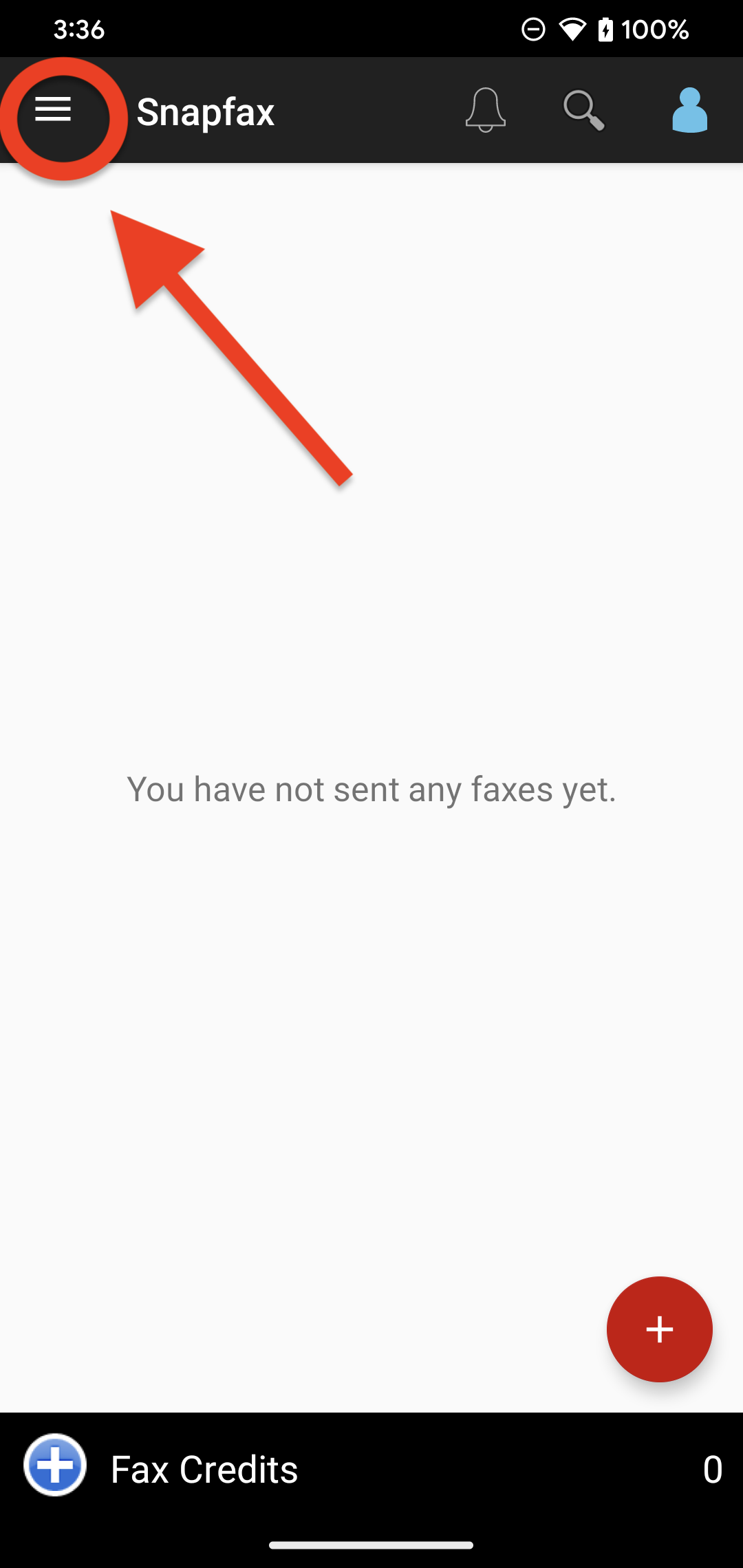
Step 1: Tap on the three horizontal lines icon at the top-left corner.
Step 2: Choose "Settings" from the menu.

Step 3: Press "Delete Account" at the bottom of the "Settings" page.

Step 4: Press "OK" to confirm the deletion.

If you have uninstalled the app or encountered any issues, please contact us at support@snapfaxapp.com.
The Delete Account request will be processed within one to two working days.